Spot Management
During fishing activities, it is often necessary to quickly record and mark fishing spots and surrounding environmental features. The Create Spot feature allows you to easily manage fishing locations directly on the map.
One-Tap Location Marking
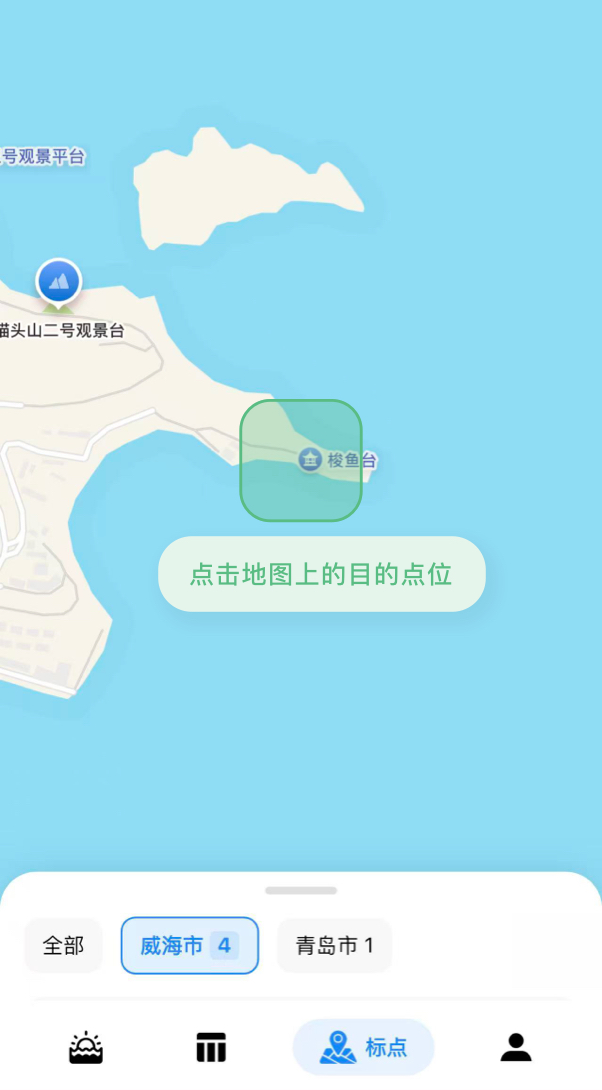
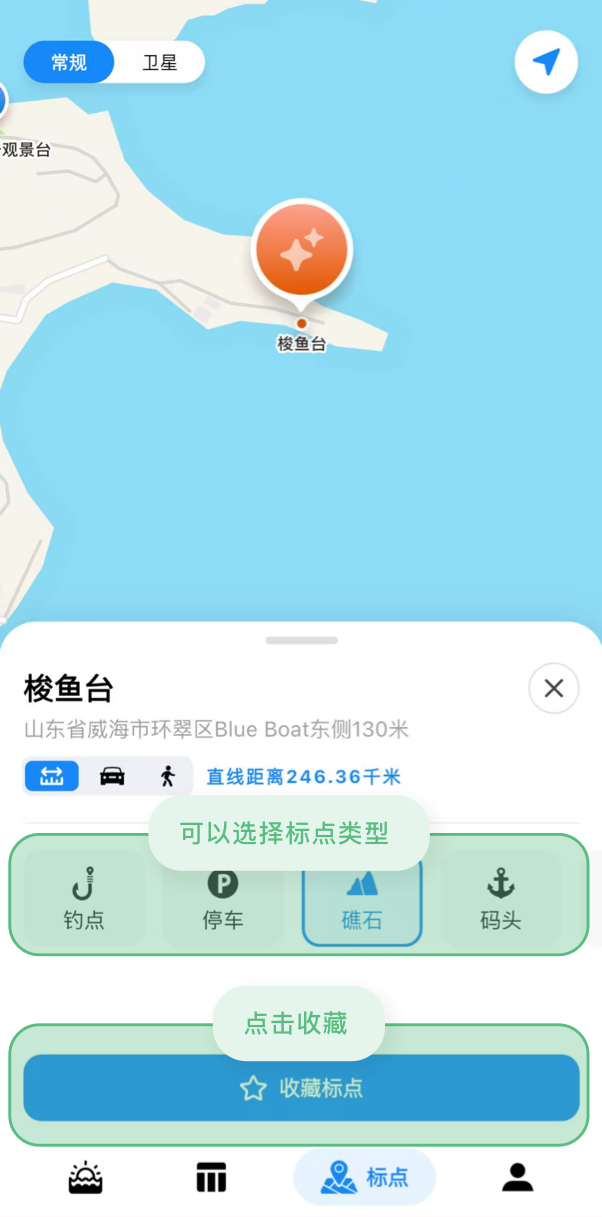
Tap anywhere on the map to preview location details. In the preview screen, select a marker type (e.g., fishing spot, obstacle, reference point, etc.), then save to quickly create a new marker.
View & Edit Markers
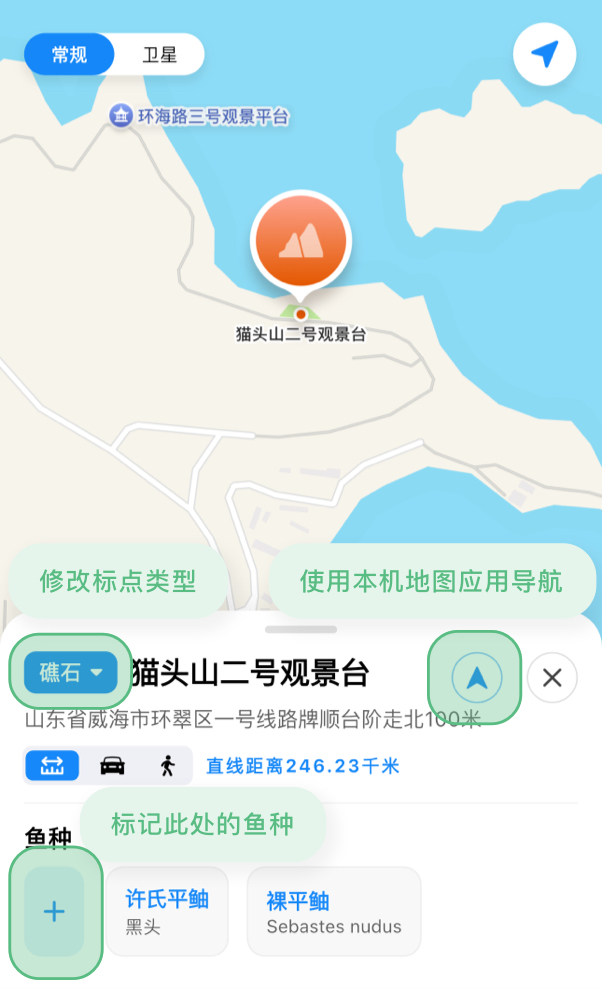
Tap any saved marker entry to open its detail page:
- Edit marker type
- Add or manage fish species information for this location
- One-tap navigation using your device’s native map app
Quick Actions
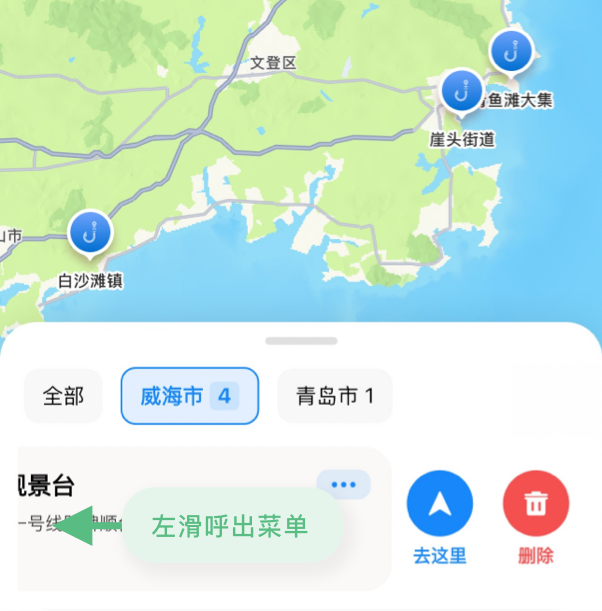
In the marker list, swipe left on an item to quickly access actions:
- Navigate to the location
- Delete the marker